
Speech Bubble Meme Maker
Add comic, thought or shout bubbles to any image and export a crisp meme in seconds — 100% in your browser, nothing ever leaves your device.
Drop an image to begin
JPG · PNG · WEBP · GIF — up to 20 MB. Everything is processed locally.
Community
No memes in the gallery yet. Create a meme, then publish it to add it here.
Every unique bubble shape. Click one to apply it to the selected bubble on your canvas — or add a new bubble with that shape.
Memes Need Clear Dialogue
Turn everyday screenshots, photos, and reaction images into polished speech bubble memes without fighting complicated design software.
Fast Meme Creation
Create shareable meme visuals quickly with a focused speech bubble workflow.
Easy Text Placement
Place dialogue where it belongs while keeping the image readable.
Bubble Styles
Use classic, comic, caption, thought, and minimal bubble looks.
Social Ready
Prepare clean meme images for posts, replies, chats, and communities.
Everything For Better Bubble Memes
A focused set of tools for adding speech bubbles to images with clean layout control.
Add Speech Bubbles
Place expressive bubbles on photos, screenshots, and meme templates.
Customize Bubble Text
Edit wording, size, weight, spacing, and line breaks with ease.
Multiple Bubble Shapes
Choose layouts that match classic memes, comics, or clean captions.
Resize And Position
Adjust scale and placement so the final image feels intentional.
Text Alignment
Keep dialogue balanced with left, center, and compact text layouts.
Image Upload
Start from your own image and build a meme around the moment.
Easy Editing
Make quick changes without rebuilding your meme from scratch.
Download Ready Images
Export finished meme images for social platforms and messages.
Mobile Friendly
Create speech bubble memes from desktop, tablet, or phone.
From Image To Meme
A simple workflow keeps the focus on the joke, the timing, and the final share.
Upload Image
Start with a screenshot, photo, or meme base.
Add Bubble
Choose a speech bubble style that fits the scene.
Customize Text
Write the dialogue and fine-tune the layout.
Download Meme
Save a clean image ready for posting.
Built For Shareable Moments
A speech bubble meme maker should feel fast, clear, and flexible. Speech Bubble keeps the creative flow simple while giving every meme a polished finish.

Made For Daily Content
Create speech bubble memes for posts, chats, reactions, and community moments.
Social Media Memes
Make quick visuals for feeds, stories, and replies.
Funny Reaction Images
Add dialogue to the perfect reaction shot.
Community Posts
Bring group jokes and comments into visual form.
Chat-Style Memes
Create clean conversation-inspired meme layouts.
Content Creation
Build recurring formats for creator channels.
Personal Jokes
Turn private moments into polished shareable images.
Bubble Styles That Fit
Use static promotional styles as starting points for different meme formats.
Classic Bubble
Rounded Bubble
Thought Bubble
Comic Style
Caption Bubble
Minimal Bubble

Ready For Feeds And Group Chats
Speech Bubble gives creators a focused way to create speech bubble memes that look clean across mobile feeds, group messages, forums, and creator communities.
Creators Like The Flow
Short feedback from people who create memes, social content, and community posts.
“It makes adding speech bubbles to images feel quick instead of fiddly.”
“The bubble styles are clean enough for brand pages and casual posts.”
“Perfect for quick reaction memes when timing matters.”
“Our community posts look more polished without slowing us down.”
Common Questions
Helpful answers for new creators using an online speech bubble maker.
What Is A Speech Bubble Meme Maker?
It is a tool for adding speech bubbles and custom text to images so you can create dialogue-style memes.
Can I Add Speech Bubbles To My Own Images?
Yes. You can start with your own photo, screenshot, or meme image and place bubbles over it.
Can I Customize The Bubble Text?
Yes. Speech Bubble is designed for editing text, sizing, alignment, and readable meme layouts.
Can I Change The Speech Bubble Style?
Yes. You can use different bubble styles for classic memes, comic effects, captions, and thoughts.
Can I Create Memes On Mobile?
Yes. The experience is planned to work across desktop, tablet, and mobile screens.
Can I Download My Finished Meme?
Yes. Finished images can be downloaded and shared on social platforms or in messages.
Meme Design Notes
Blog-ready cards for future posts about meme creation, bubble styles, and social content.
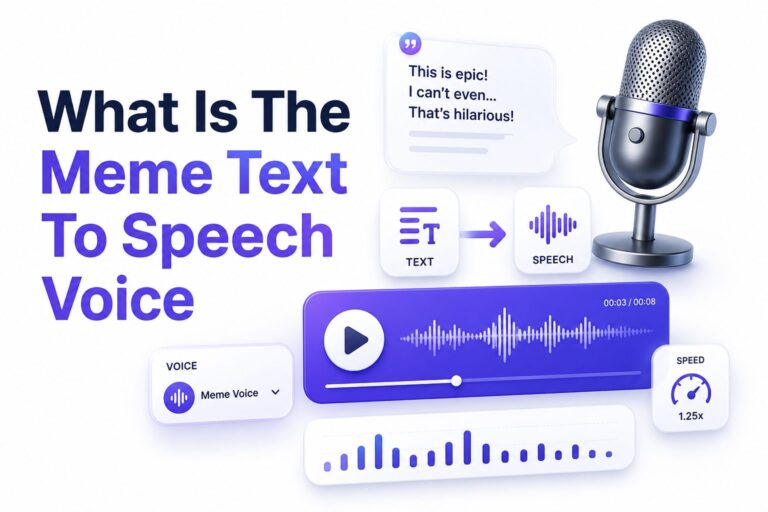
What Is the Meme Text to Speech Voice?
If you spend time on TikTok, YouTube Shorts, Instagram Reels, Reddit videos, or gaming clips, you have almost...
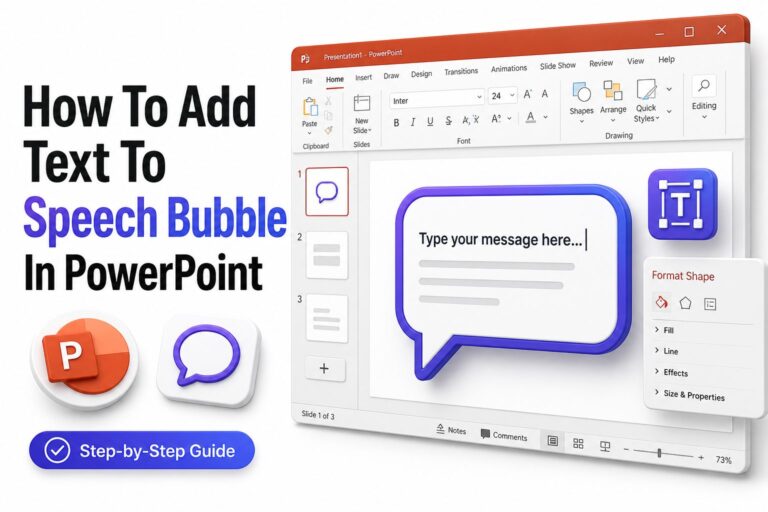
How to Add Text to a Speech Bubble in PowerPoint
Adding speech bubbles to PowerPoint slides is a simple way to make ideas feel more visual, conversational, and...
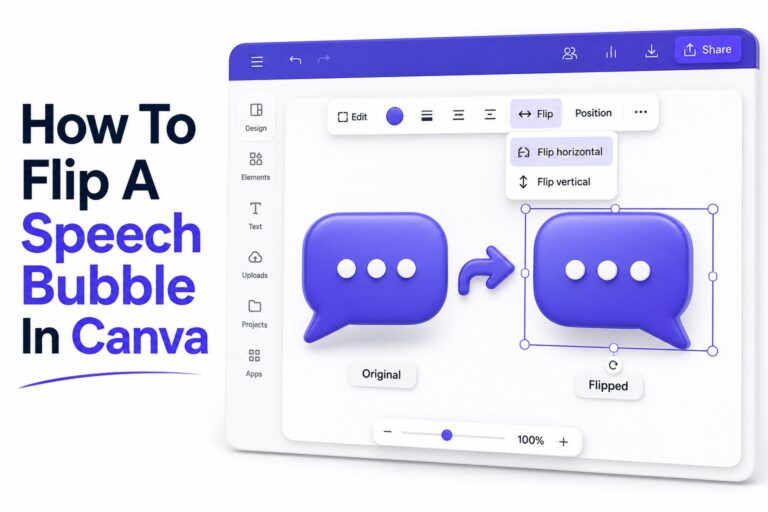
How to Flip a Speech Bubble in Canva: Easy Step-by-Step Guide
Canva makes it easy to build posters, social posts, comics, classroom worksheets, thumbnails, and branded graphics without needing...
Create Your Next Speech Bubble Meme
Use Speech Bubble to add custom speech bubbles to images and turn simple moments into shareable memes.